Load Data from Shopify into Fusion Data Intelligence
As a service administrator, you can use the Fusion Data Intelligence extract service to acquire data from the Shopify SaaS instance and use it to create data augmentations for various Enterprise Resource Planning and Supply Chain Management use cases.
- In Fusion Data Intelligence, create the Shopify data
connection using these instructions:
- In Fusion Data Intelligence Console, click Data Configuration under Application Administration.
- On the Data Configuration page, click Manage Connections.
- On the Manage Connections page, click Create and then click Connection.
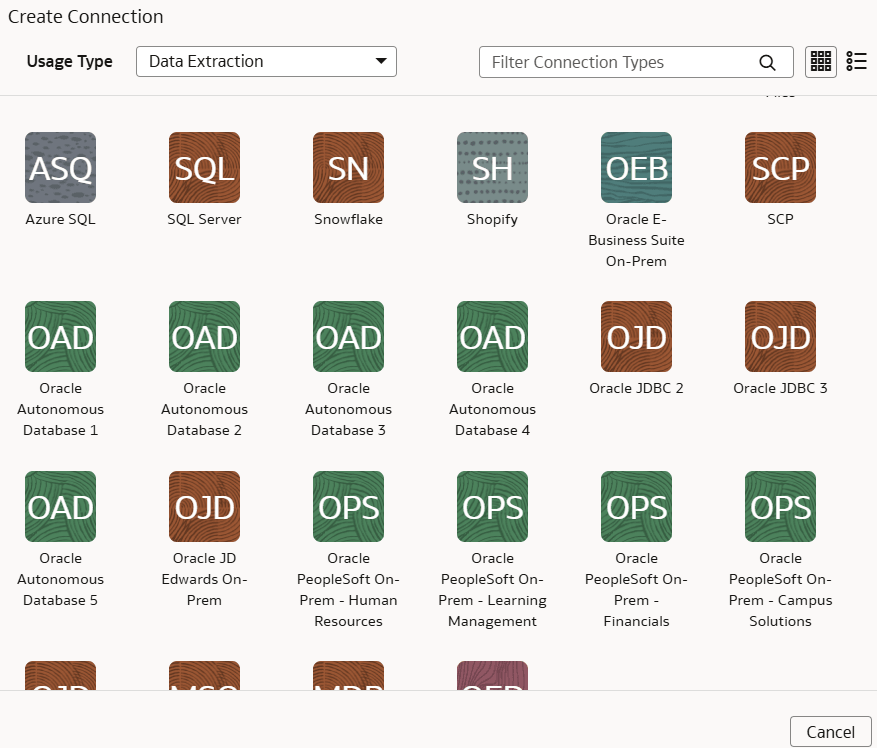
- In Create Connection, select Data Extraction in
Usage Type and then select
Shopify as the connection type.
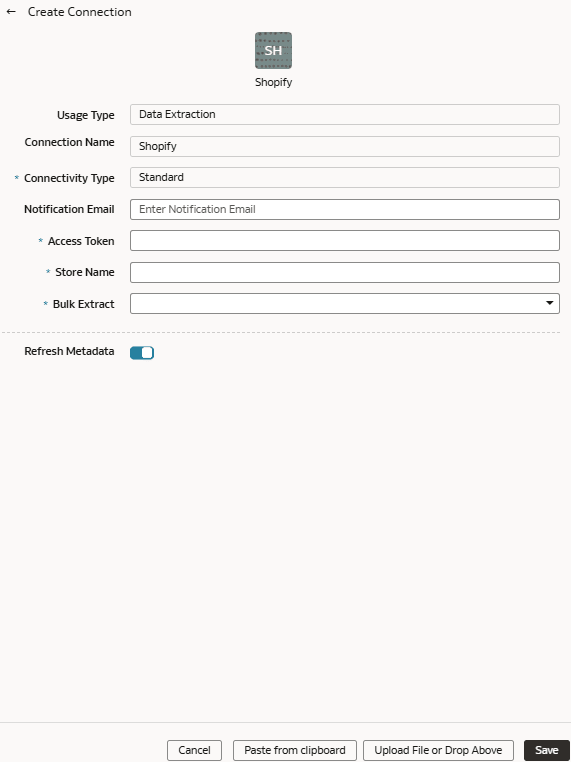
- In the dialog for the Shopify connection, enter an email address to receive notifications in Notification Email, applicable token value in Access Token, Store Name such as myfawteststore.myshopify.com, and True in Bulk Extract.
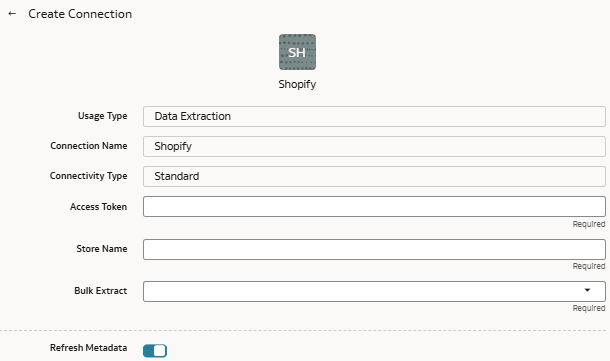
- Verify that the Refresh Metadata toggle is
enabled to ensure that the metadata is refreshed when you save the
connection. You can later refresh the metadata from the Actions menu on the Manage Connections page, if required.Note
You can’t create augmentations for Shopify unless you perform a metadata extract. - Click Save.
- On the Manage Connections page, select Actions for the Shopify connection and then select Test Connection.
- To delete a connection, on the Manage Connections page, click
Actions for the applicable connection and select
Delete.Note
Ensure that you delete the functional areas, data augmentations, and custom data configurations related to the data connection before deleting it. You can't update or load data from deleted data connections to the warehouse. - After the connections are successfully established, navigate to the Data Configuration page, select the connection in Data Source, then click the Data Augmentation tile, and create a data augmentation using the Shopify data. Select the applicable Shopify source tables. See Augment Your Data.